
By Heidi Beguin There are many reasons why you might want to become familiar with the app Google Lens. Maybe your child’s favorite blanket came from a friend and you’d like a second one so you’re able to switch it out and wash it every now and then. Perhaps you got a gift you love and would like another because you think it would be perfect for someone else. Imagine being in your friend’s house and seeing a lamp, rug, painting, cabinet, desk, or just about anything, and wishing you could find the exact replica for your own home.
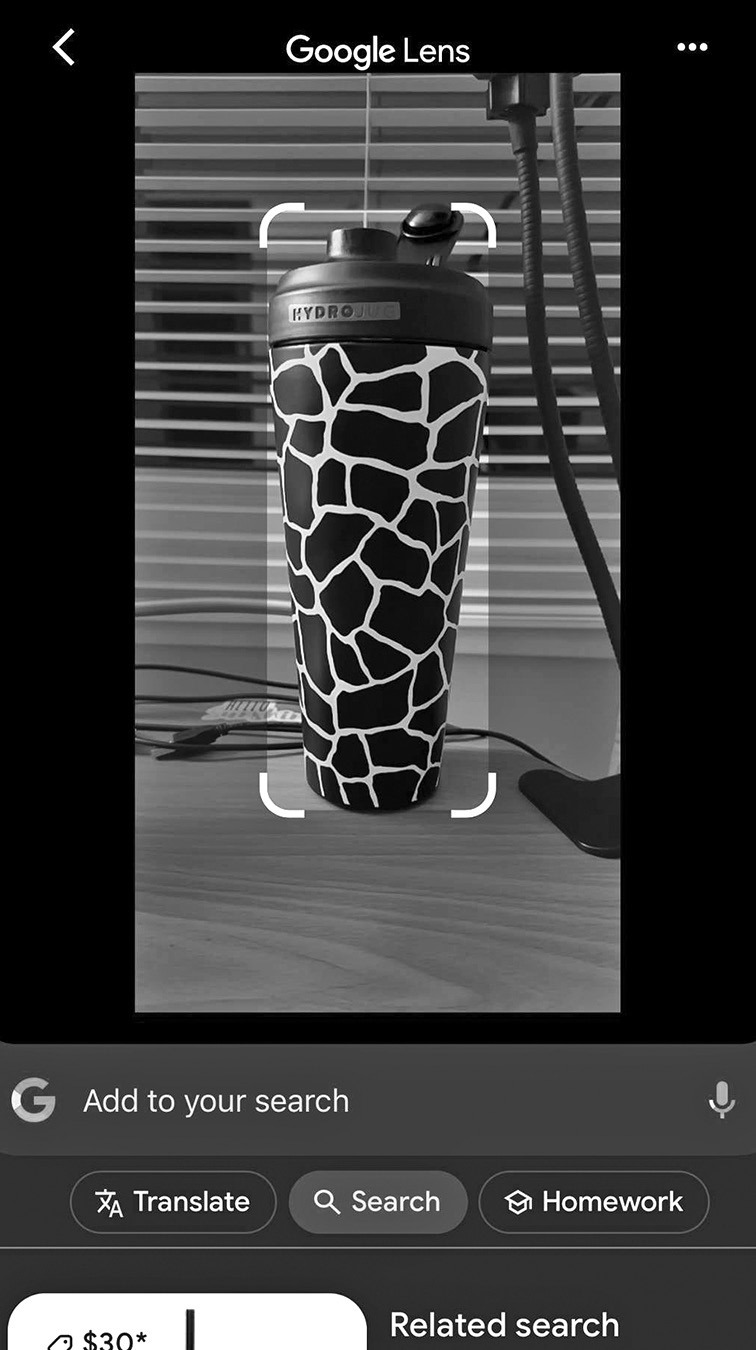
The Google Lens app allows you to take a photo of something and find similar items and purchase locations. After downloading, you’ll see the app looks like the Google logo. Open it and find the square with a dot inside on the search bar. It looks a bit like a camera. After clicking it, your photo app opens with the message ‘Tap shutter button to search.’ Click it and options for purchase open up beneath the photo you’ve just taken.
Apple iPhones have a similar feature called Visual Lookup but Google Lens works on both Android and iPhones.
Google Lens promises to make your life easier. Now when you’re working on fixing your washing machine and you find the broken part, you can just take a photo and instantly know which store to go to for a replacement. Happy shooting!